


Where Should You Place Hidden Security Cameras for the Best Coverage?
10th Aug 2026
Key Takeaways
- Place hidden cameras near entrances, hallways, shared spaces, transaction areas, and other high-traffic locations.
- Test viewing angles, lighting, power, Wi-Fi strength, and potential obstructions before finalizing placement.
- Avoid private areas, follow applicable recording laws, and secure connected cameras with strong account protections.
Hidden security cameras work best when they cover entrances, shared rooms, hallways, checkout areas, garages, and other high-traffic zones. The right placement provides a clear line of sight, dependable power, stable connectivity, and enough distance to capture useful activity. A properly positioned hidden camera can support theft prevention, property monitoring, caregiver oversight, incident documentation, and general security. Install cameras only on property you own or control, and always follow applicable privacy, employment, video-recording, and audio-recording laws.
The Best Places to Position Hidden Security Cameras
Main Entrances and Exits
Entrances and exits are among the most valuable camera locations because most occupants, visitors, employees, delivery drivers, and service providers pass through them. Position the camera so it records people entering the property rather than only showing the backs of people as they leave.
A clear view of the doorway and the area immediately inside it is usually more useful than an extremely wide view of the entire room. Avoid pointing the camera directly toward bright windows or exterior sunlight because strong backlighting can make faces difficult to identify.
Living Rooms and Shared Common Areas
Living rooms, family rooms, reception areas, waiting rooms, and shared offices provide broad coverage because people naturally gather or pass through them. Place the camera where furniture, plants, decorations, open doors, and moving occupants are unlikely to block its view.
The camera should observe the main activity zone without facing bathrooms, guest bedrooms, or other private areas. In a home, this could mean covering the front door, main hallway, and shared living space from one well-positioned location.
Hallways and Stairways
Hallways and stairways connect multiple rooms, making them useful for tracking movement without installing a camera in every space. A hallway camera can document when someone enters or leaves a room while keeping the camera outside areas where greater privacy is expected.
Place the camera near the end of the hallway rather than directly in the center when possible. This creates a longer viewing angle and reduces the chance that a person will pass beneath the camera without providing a usable image.
Garages and Secondary Entry Points
Garages, mudrooms, basement entrances, side doors, and utility entrances often receive less attention than the front door even though they provide access to vehicles, tools, packages, equipment, and the main property. Position a camera to cover both the access door and the area where valuable property is stored.
Check the lighting before selecting the final location. Garages and utility rooms often have dark corners, bright windows, or lights that switch off automatically, so the camera must perform reliably under the conditions that exist when monitoring is most important.
Reception Desks, Registers, and Transaction Areas

Businesses often place cameras near reception desks, checkout counters, registers, customer-service stations, and other transaction areas. The objective should be to document interactions, movement, and access without unnecessarily recording sensitive computer screens, payment information, confidential documents, or private conversations.
Position the camera far enough away to capture the people and surrounding activity instead of focusing only on the cash drawer or desktop. Employers should also review workplace surveillance and employee-notice requirements before installing hidden security cameras.
Stockrooms and Inventory Areas
Stockrooms, supply closets, equipment rooms, and inventory areas are practical locations when the goal is to investigate missing merchandise or unauthorized access. The strongest position usually covers the entrance and the primary storage area in the same frame.
Avoid placing the camera too close to shelving, where boxes and products can obstruct the lens. A higher position with a modest downward angle often provides better coverage of aisles, access points, and handling activity.
Ceilings and Elevated Room Positions
An elevated position provides a wide view and reduces accidental obstruction or tampering. A smoke detector camera can fit naturally into ceiling-level environments while observing entrances, central floor areas, or business activity from above.
Do not assume that the highest possible position is always the best one. A camera mounted too high or aimed too steeply may capture the tops of people’s heads rather than useful facial detail, so test the viewing angle before completing the installation.
How to Improve Camera Coverage and Image Quality
Choose the Right Height and Viewing Angle
The ideal height balances broad coverage with recognizable detail. Position the camera above normal eye level when practical, but keep the viewing angle shallow enough to record faces, clothing, objects being carried, and movement through the room.
Test the view by walking through the monitored area at a normal pace. Review whether a person remains visible long enough to create a useful recording and whether doors, shelves, or furniture create unexpected blind spots.
Avoid Windows, Glare, and Strong Backlighting
Bright windows, mirrors, polished surfaces, televisions, and direct lighting can reduce image quality. Aim the camera so the primary light source is behind or beside it rather than shining directly into the lens.
Daytime and nighttime conditions may be very different. Review live or recorded footage at several times of day before deciding that a location provides dependable coverage.
Plan for Power and Connectivity
A camera cannot provide consistent security if it regularly loses power or disconnects from the network. Plug-in and hardwired models are practical for continuous monitoring, while battery-powered models offer more flexibility but require charging and power-management planning.
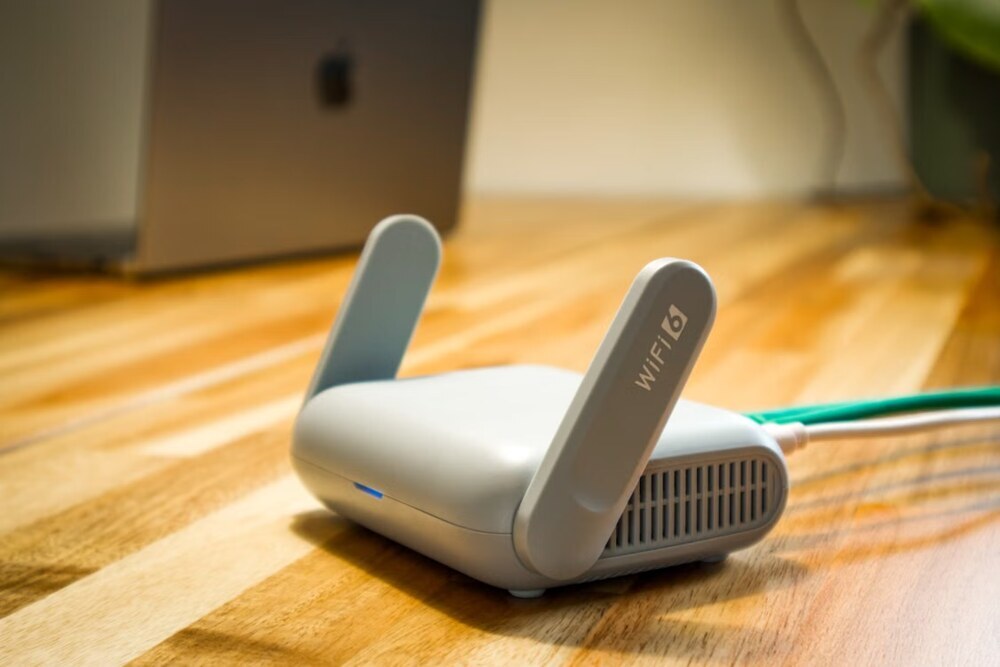
A spy camera with live feed should be positioned where the Wi-Fi signal remains stable. Test the connection at the actual installation point because walls, metal shelving, appliances, and distance from the router can weaken performance.
Use Overlapping Views in Important Areas
One camera may not provide complete coverage of a large room, long hallway, or business floor. Two cameras with partially overlapping views can reduce blind spots and preserve useful footage when furniture, merchandise, or people temporarily block one angle.
Overlapping coverage does not require cameras to face each other directly. Each camera should cover a different access point or activity zone while sharing enough of the central area to establish continuity.
Which Hidden Camera Format Fits Each Location?
|
Location |
Useful Camera Format |
Primary Advantage |
|
Entrance or reception area |
Wi-Fi camera with remote viewing |
Live access and activity alerts |
|
Living room or shared office |
Everyday-object camera |
Unobtrusive room monitoring |
|
Hallway or central room |
Ceiling-mounted camera |
Wide and elevated coverage |
|
Register or inventory area |
AC-powered recording camera |
Consistent long-term operation |
|
Garage or utility room |
Motion-activated camera |
Records activity while limiting inactive footage |
|
Property monitored remotely |
Live-feed Wi-Fi camera |
Real-time viewing from another location |
The best format depends on the monitoring goal, available power, internet access, room layout, and amount of detail required. A discreet everyday-object model suits a furnished room, while a ceiling-level camera may provide better coverage of an open office, hallway, or retail floor.
Audio capability should be treated as a separate decision rather than an automatic feature. A spy camera with audio or hidden camera with audio should be used only after confirming that recording conversations is lawful in the applicable jurisdiction and situation.
Responsible Placement and Privacy Boundaries
Keep Cameras Out of Private Areas
Do not place hidden cameras in bathrooms, changing areas, locker rooms, guest bedrooms, or other locations where people reasonably expect privacy. Federal law prohibits certain intentional recordings of private areas without consent under circumstances involving a reasonable expectation of privacy, and state laws may establish additional restrictions.
Property ownership does not eliminate every privacy obligation. Review the current federal video voyeurism law and obtain jurisdiction-specific guidance when the intended use involves tenants, employees, guests, customers, contractors, or caregivers.
Review Audio and Employee-Notice Rules
Audio recording can create different legal obligations from video-only monitoring. Federal law regulates certain interceptions of oral communications, while state consent laws and workplace rules may impose additional requirements.
Before enabling a microphone, review 18 U.S.C. § 2511 and the laws that apply where the recording occurs. Businesses should also determine whether employees or visitors must receive notice.
Secure Wi-Fi-Connected Cameras
Remote access is useful only when the camera and account are properly protected. Change default passwords, use a strong and unique account password, install available updates, limit account access, and enable additional authentication protections when supported.
The Cybersecurity and Infrastructure Security Agency recommends replacing default credentials and considering whether continuous internet connectivity is necessary for an Internet of Things device. Review CISA’s Internet of Things security guidance before placing a connected camera into regular use.
Hidden Security Camera Placement Checklist
- Define the exact entrance, room, transaction, or property area that needs coverage.
- Confirm that the location is lawful and does not invade a reasonable expectation of privacy.
- Select a position with a clear view of faces, movement, and the main activity zone.
- Check for obstructions created by doors, furniture, shelving, plants, and decorations.
- Test daytime, nighttime, and low-light image quality.
- Confirm access to dependable power or establish a battery-maintenance schedule.
- Test Wi-Fi strength when remote viewing or alerts are required.
- Review footage from a normal walk-through before finalizing the camera angle.
- Protect the camera account, network connection, recordings, and authorized-user list.
- Recheck the view whenever the room layout, inventory, furniture, or lighting changes.
Conclusion
The best hidden-camera location is one that clearly covers an important access point or shared activity area without recording private spaces. Entrances, hallways, common rooms, garages, reception areas, registers, stockrooms, and elevated room positions usually provide the most practical coverage.
Match the camera format to the environment, test the actual viewing angle, and account for lighting, power, Wi-Fi strength, and possible obstructions. Responsible placement combines useful security footage with lawful operation, protected recordings, and respect for the privacy of employees, visitors, customers, and household members.